I'm a cinematographer and editor, not a software engineer. But in late 2025 I sat down and built a macOS app from scratch to solve a problem I kept running into on set and in the edit bay. Two months later it landed on the Mac App Store. Here's how that went, with a few film stories from the trenches to keep it real.
The starting point
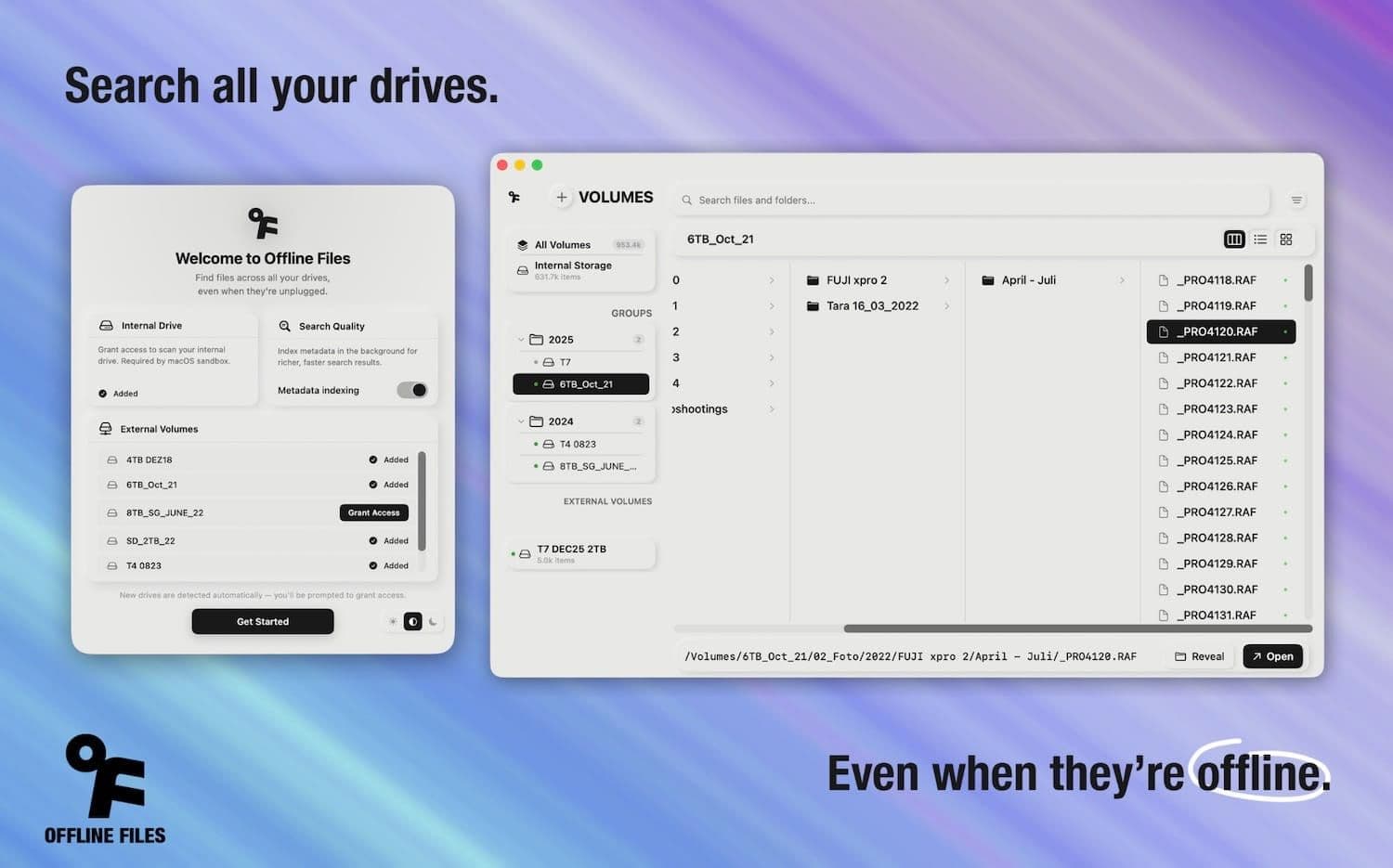
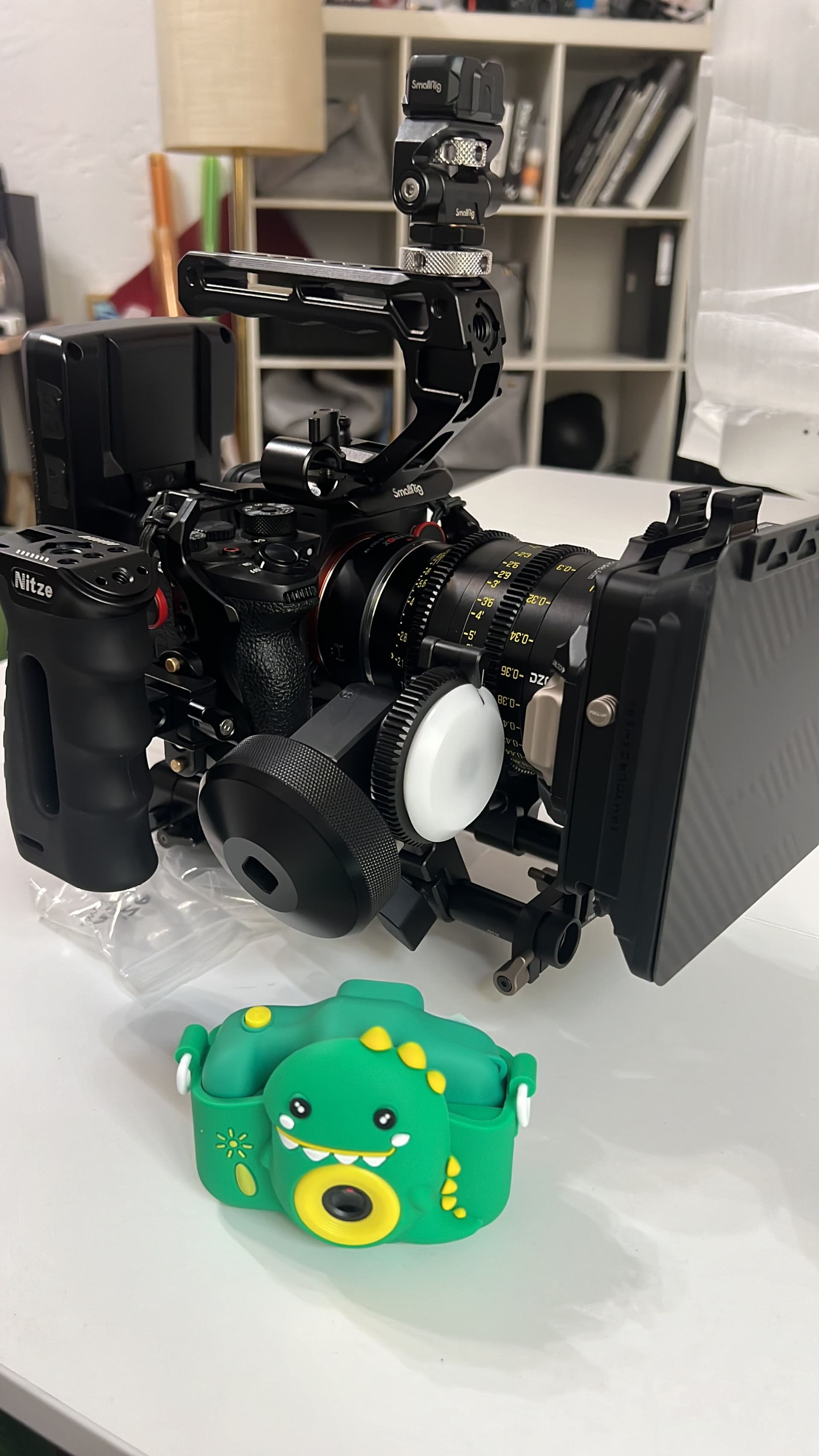
I'd already built a few small apps for myself before. Tools that solved specific problems in my workflow. Nothing published, nothing polished, just functional things that made my life easier. On a recent documentary shoot I found myself juggling dozens of external drives with hours of footage from different cameras. The chaos reminded me of chasing a shot across a long night of pickups in a crowded studio. I knew others shared the same pain, so I decided to build something proper and actually ship it.
The stack
I wanted something native and modern that felt at home on macOS. On set I love the speed of a well-tuned tool, and this felt the same in code.
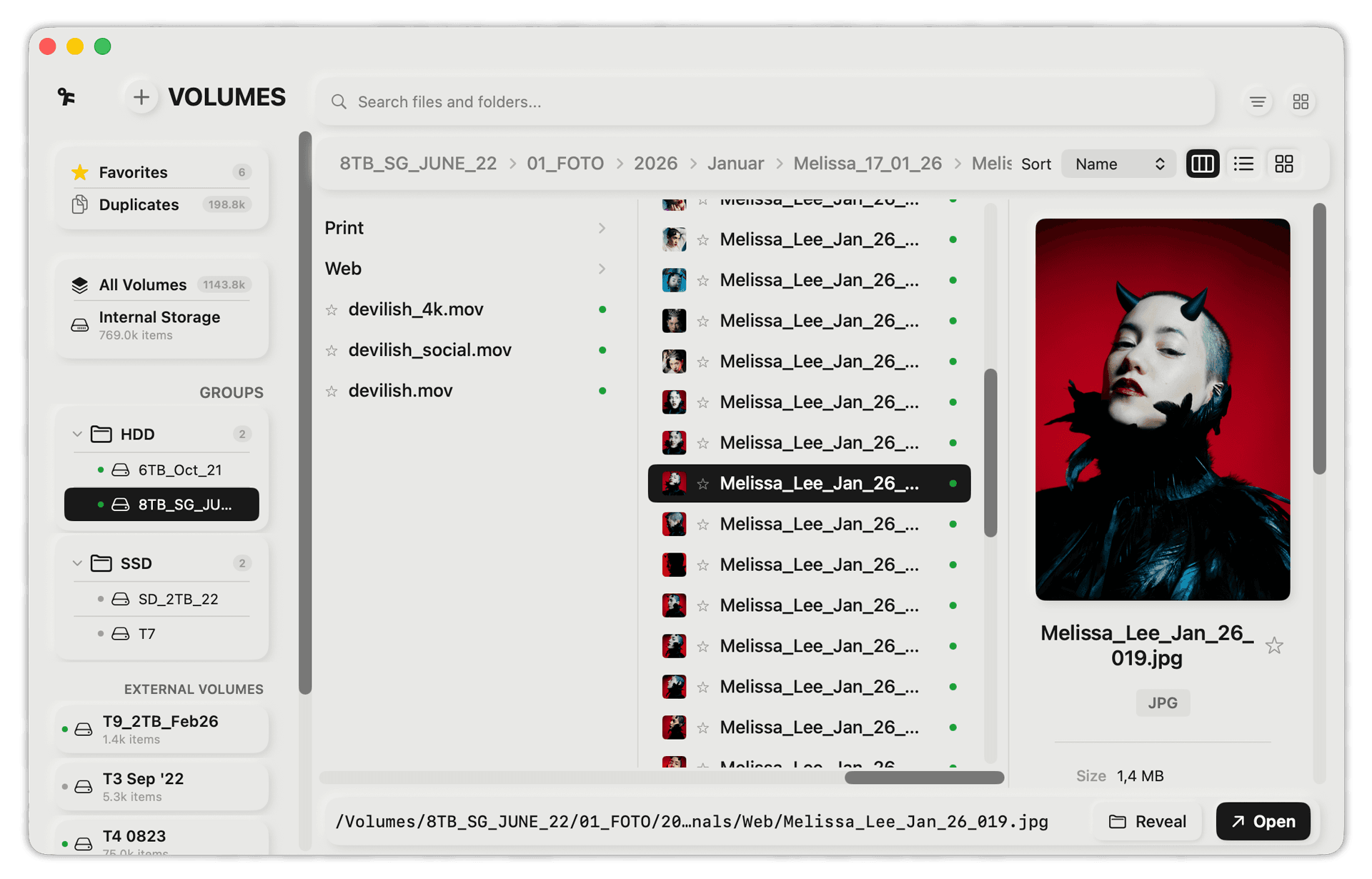
SwiftUI has its quirks on macOS, but for a utility app like this it worked well. The interface is straightforward: sidebars, lists, search fields, detail panels. It reminded me of a clean color grading session where you adjust a few controls and immediately see the result.
For the backend I used SQLite for the local index database, with full-text search to tackle millions of file entries quickly. Think of it like indexing a full film library, so you can find a shot by its metadata or by a keyword in the transcript in a heartbeat.
AI changed everything
I'll be honest: I used AI heavily throughout development. Claude was essentially my pair programmer for the entire project. In color timing, we often rely on a second pair of eyes; with programming, AI filled that role in a similar way.
This isn’t something I’m shy about. As a solo creator who isn’t a trained software engineer, having an AI that can explain Swift concurrency, debug a CoreData migration, or help architect a search index is transformative. It doesn’t write the app for you. You still need to understand what you’re building and why. But it shortens the learning curve dramatically.
If you’re a creative pro thinking about building your own tools: the barrier to entry has never been lower. You don’t need a CS degree. You need a clear problem, patience for debugging, and a willingness to learn as you go. And yes, you can borrow a lot from the AI to speed things up, just don’t hand over the whole decision process.
The name change
The app was originally called "Offline Finder." I liked the name. It described what the tool did and felt native to macOS.
Then I ran into trademark issues. Apple’s "Finder" is clearly protected territory. I couldn’t ship an app with "Finder" in the name.
I landed on "Offline Files." Less elegant, but it works. And I got to keep the logo, which was the main thing I cared about.
Lesson learned: check trademarks before you get attached to a name. The App Store review team will catch it, and by that point you’ve already designed around it.
The App Store review process
This was the most educational (and at times frustrating) part of the entire project. My app was rejected multiple times. Not once, not twice. The review process stretched across two to three weeks, with Apple requesting changes to meet their Human Interface Guidelines and App Store Review Guidelines.
Each rejection came with specific feedback: UI patterns that didn’t follow platform conventions, features that needed clearer user-facing explanations, edge cases I hadn’t considered. The turnaround on Apple’s side was slow, sometimes two to three days per review cycle, which made the whole process feel longer than it needed to be.
But here’s the thing: the app genuinely got better because of it. Every piece of feedback Apple gave me was valid. They pushed me to handle edge cases I’d been lazy about, to make the interface more intuitive, to think about what a first-time user would experience rather than just building for myself. By the time the app was finally approved, it was significantly more polished than the version I originally submitted.
The contrast after approval is dramatic. Updates now get reviewed and published within hours, sometimes under a day. The initial review is the bottleneck. Once you’re through, the process is fast.
What I’d tell someone building their first app
Start with your own problem. I built Offline Files because I needed it. That kept me motivated through the boring parts (and there are many boring parts).
Ship something small. The first version did one thing: index drives and search them offline. Everything else (volume groups, duplicate detection, metadata search) came in updates after launch. Don’t wait for perfection.
Expect the review process to take longer than you think. Budget two to three weeks between "I think this is done" and "it’s actually on the App Store." Use that time productively. Write your press materials, set up your website, prepare screenshots.
Read Apple’s Human Interface Guidelines before you submit. Not after your first rejection. Before. It will save you at least one review cycle.
Use AI, but understand what it produces. AI can write code faster than you can, but it can’t tell you if the architecture makes sense for your use case. You still need to be the one making decisions.
Don’t underestimate marketing. Building the app is maybe 50% of the work. The other 50% is telling people it exists.
The numbers
Two months from first line of code to App Store approval. Multiple rejections. One forced name change. Zero regrets.
The app has since been featured on PetaPixel, Newsshooter, ifun.de, appgefahren.de, and Apfelpatient.de. Which still feels surreal for something I built at my desk in a Berlin co-working space.
Offline Files is available on the Mac App Store. One-time purchase, no subscription.