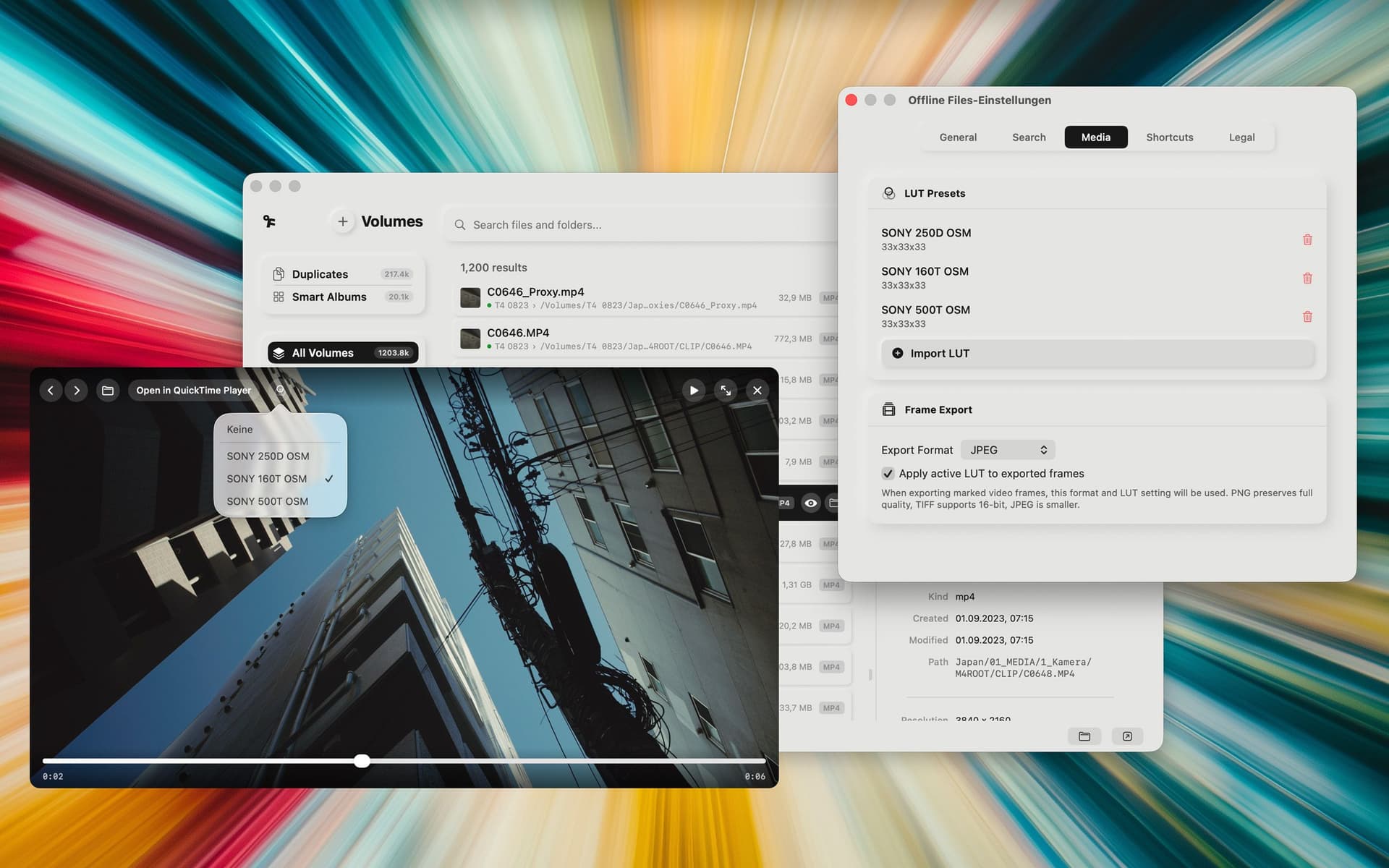

Features
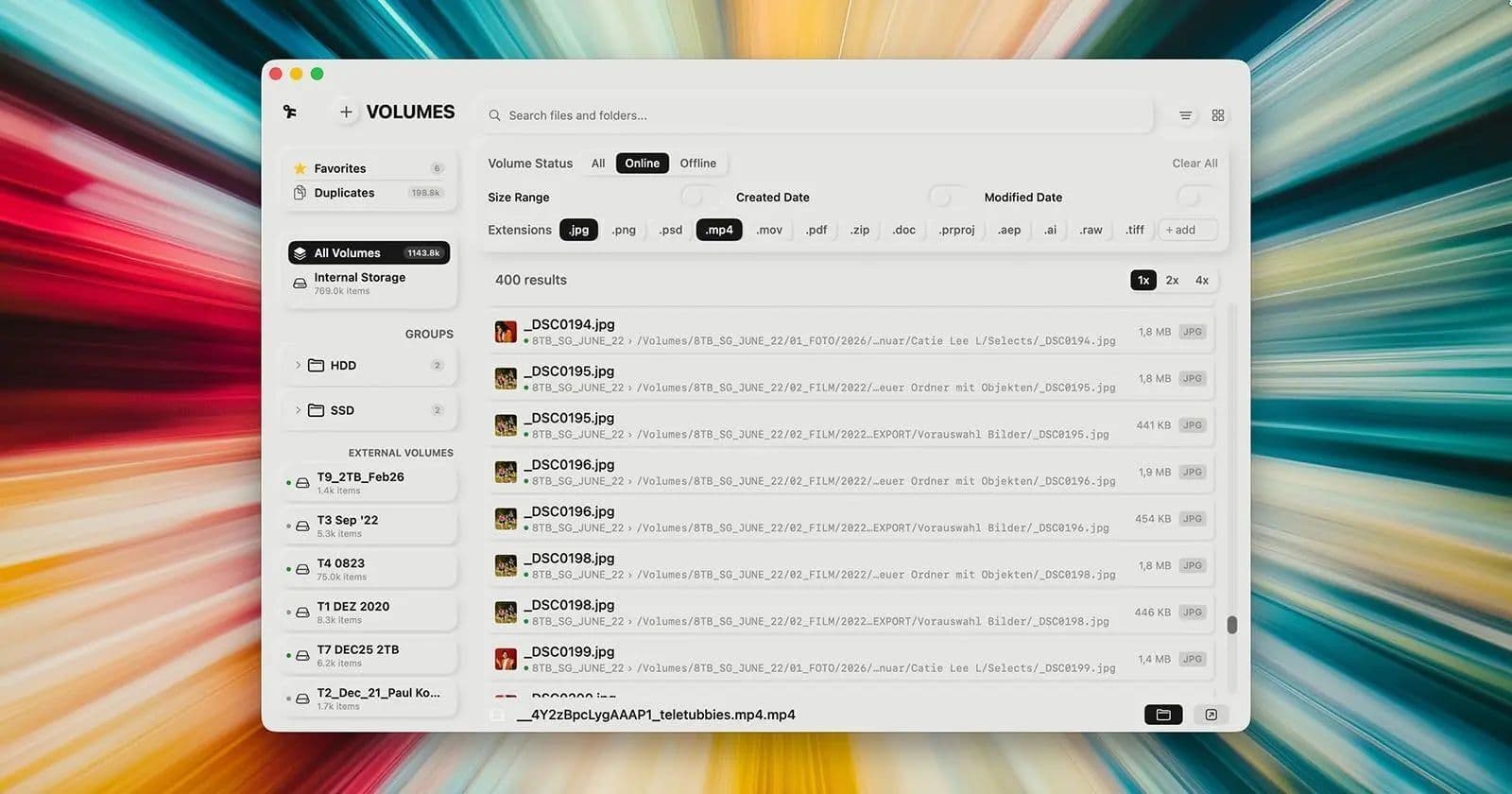
Offline Files is a Mac app for anyone with too many hard drives.
Plug a drive in once. Offline Files scans filenames, paths, sizes, creation and modification dates, thumbnails, and free space, then stores everything locally on your Mac. No cloud, no server, no account.
From then on, your files stay findable, even when the drive is unplugged. Because it integrates with macOS Spotlight, your offline drives can show up when you hit Cmd+Space.
Smart Analyze, an optional on-device AI layer, can look inside your photos and tag what’s there. Search for “dog” in fourteen languages and it finds dog photos across every drive you own, plugged in or not.
Built for photographers, editors, filmmakers, and anyone whose archive has outgrown a single disk.
Search first. Plug in second.
Smart Indexing
Automatically scans and indexes your drives, including external volumes.
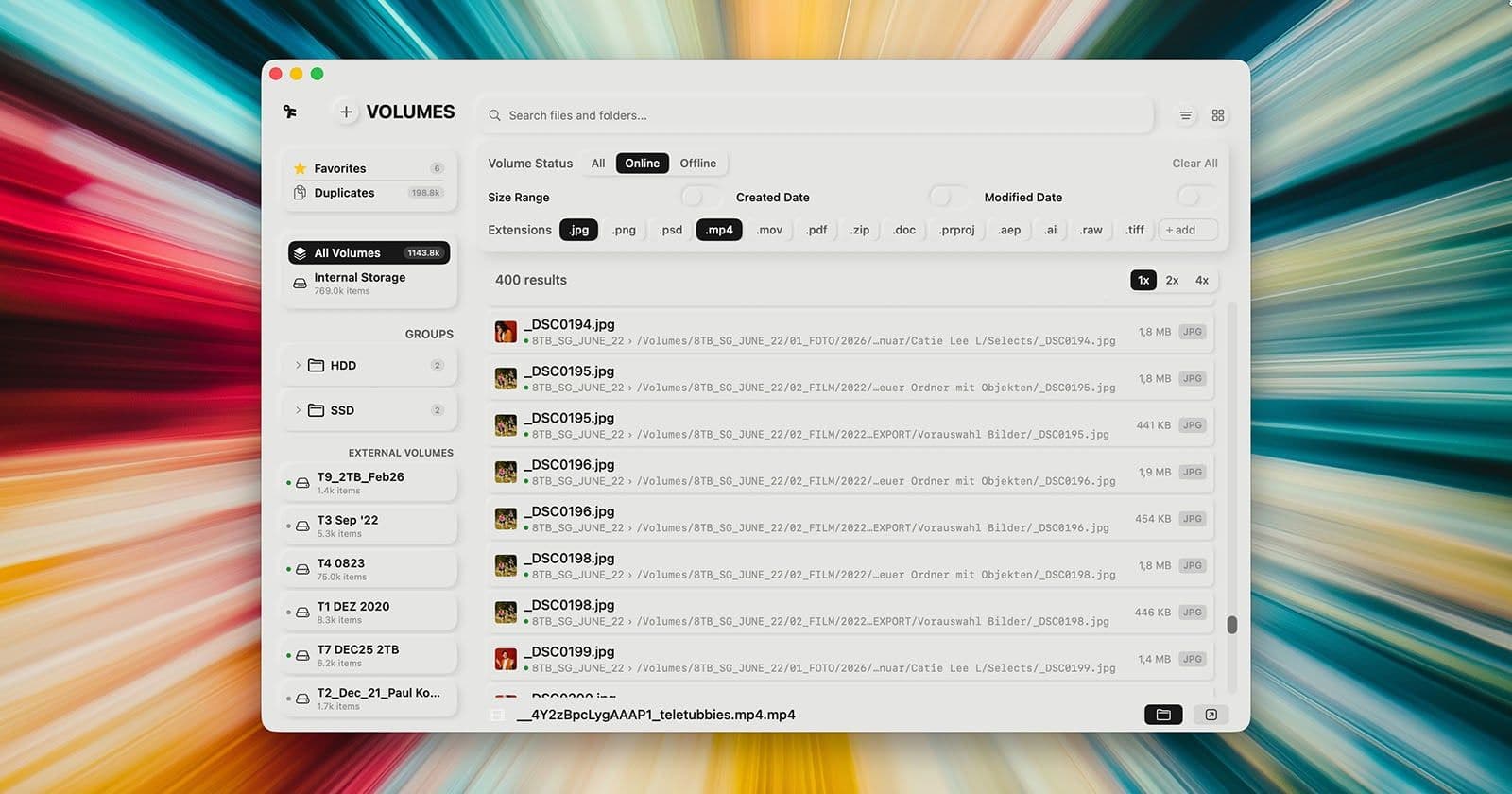
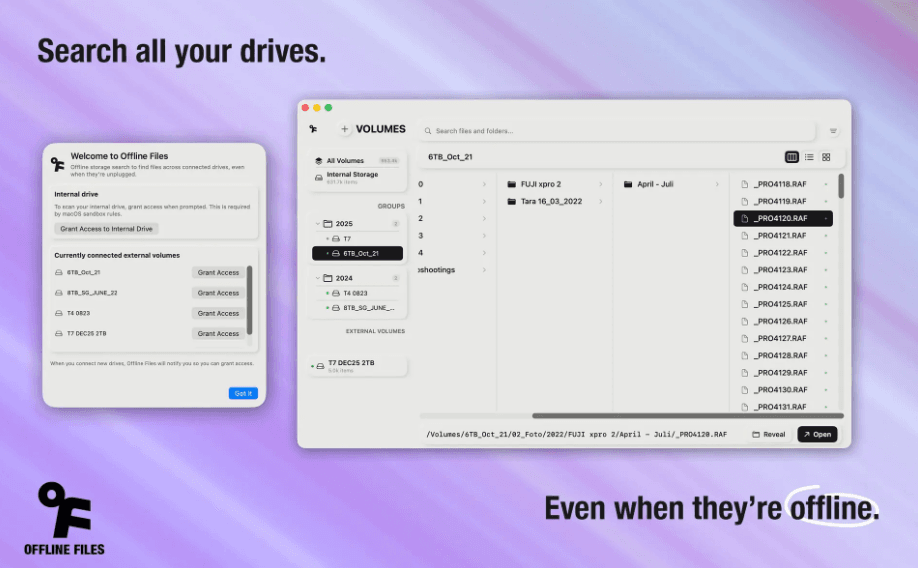
Offline Search
Find files on disconnected drives. No cable required.
Duplicate Detection
Spot duplicate files and clean up storage faster.
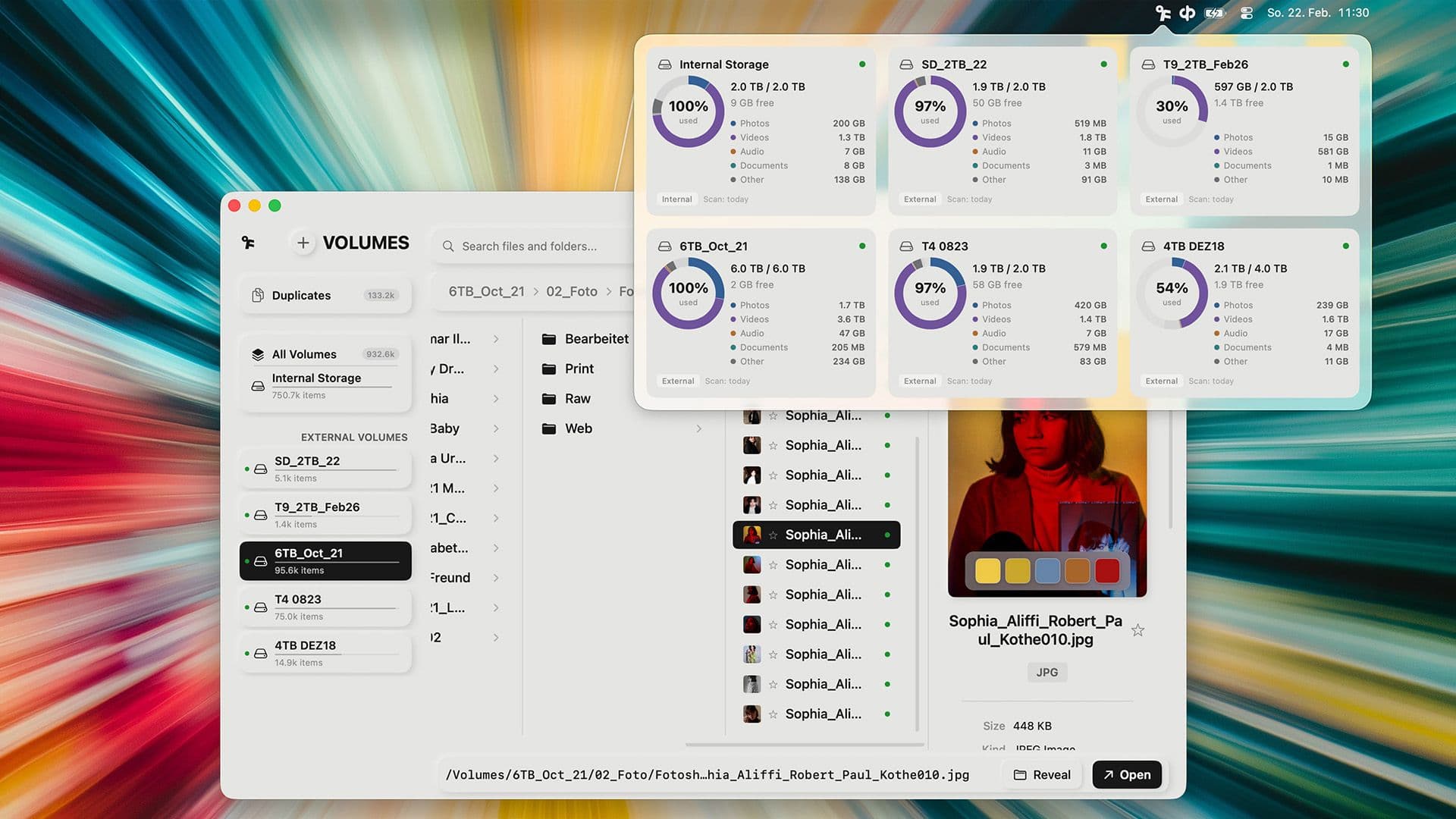
Drive Overview
See all indexed drives with status and last sync information.
Smart Analyse
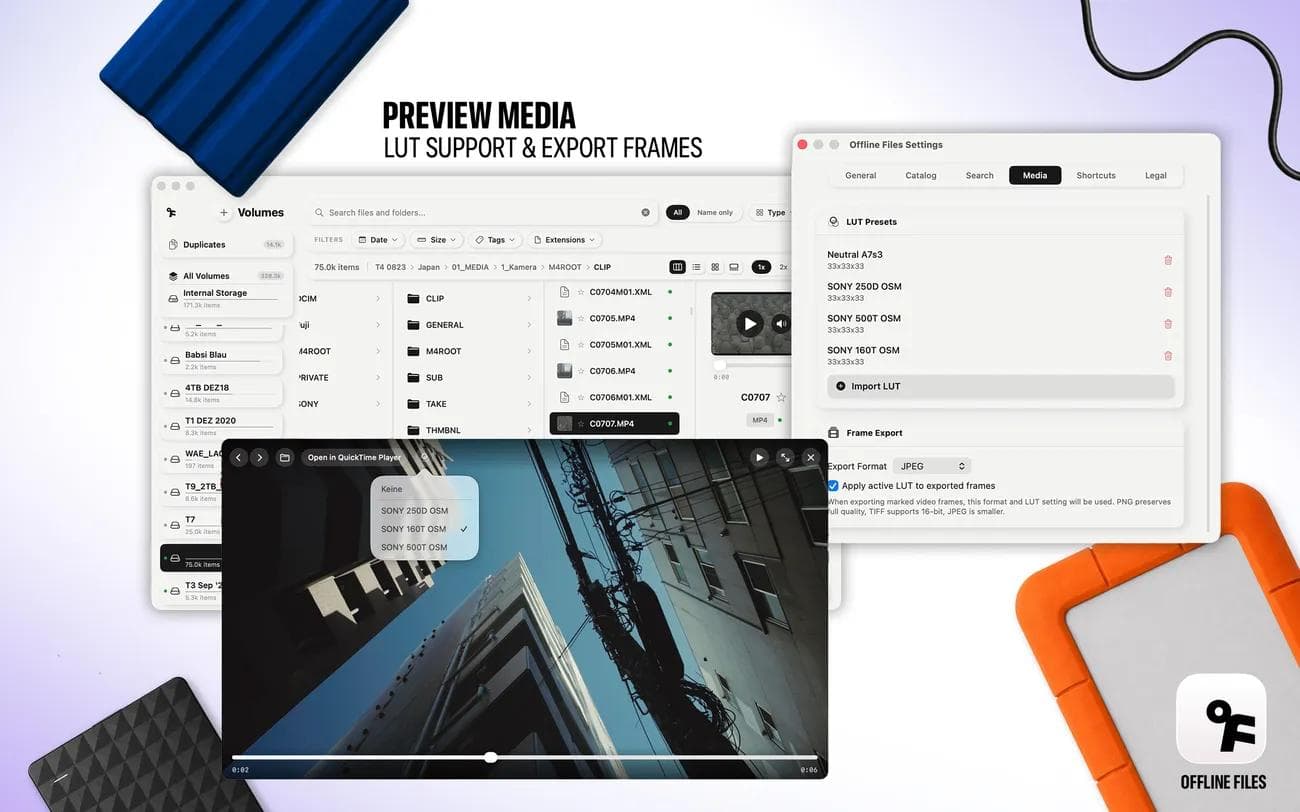
Smart Analyze detects objects, people, animals, and other key subjects to be integrated into search.
Favorites & Notes
Bookmark important files and add notes to any volume.

Press

CineD
Offline Files for macOS – Search Any Drive, Even When It’s Unplugged
Berlin-based editor and cinematographer Paul Kothe has released Offline Files, a macOS app that indexes external hard drives and makes their contents searchable even when the drives are disconnected.

PetaPixel
This Mac App Lets You Find Photos No Matter Which Drive They’re On
As photographers know all too well, image libraries can be a lot to keep track of. Between internal storage and external drives, sometimes many of them, finding exactly the right photo or folder can be very frustrating. Photographer and cinematographer Paul Kothe agrees, so he built an app to solve the problem once and for all.

Newsshooter
Offline Files– macOS app that indexes external drives
Offline Files is a small macOS app that indexes external drives once and keeps the metadata locally, so you can search across all your volumes even when the drives are unplugged. The concept is simple: search first, plug in second.

Slashcam
Offline Files App macht externe Festplatten durchsuchbar
Filmer, Cutter, Fotografen und andere Kreative kennen das Problem: man sucht Bild- oder Filmmaterial, das auf irgendeiner alten Archiv-Festplatte im Regal gespeichert ist.

Apple World Today
Offline Files is a great Mac tool for searching large archives across multiple disconnected external drives
Photographers, filmmakers, editors, and anyone whose work has outgrown a single drive should check out Offline Files, a Mac app developed by Paul Kothe, an editor and cinematographer based in Berlin.

Film Tv Video
Mac-App für bessere Archivsuche
Offline Files ist eine lokale Mac-App, mit der sich Dateien, Fotos und Footage auf externen Laufwerken finden lassen, bevor die Platte wieder angeschlossen wird.
Reviews
Endlich aufräumen auf den Platten
Auf ein Tool wie Offline Files habe ich Jahre gewartet. Endlich bekommt man die Unmengen von Files auf den vielen Platten in den Griff. Wo sind die Daten? Wo sind Files mehrfach abgelegt? Wie kann ich bestimmte Filetypes finden? Alles möglich mit dem Tool. Großartig!
Djiitii
Brilliant
I just found out about this app via a news item, went to the App Store purchased it as it was only a one off payment below $10.00 and within the space of 15 minutes I scanned and logged the data on 15 full 5TB external drives. I have been using another similar app for years but what blow my mind with this one was the speed it did it, and the simple elegant interface. There is very little in the way of requiring a learning curve, it just does what it is supposed to do. The search functions are excellent. If you like me have a vast collection of hard drives this is a no brainer, I fully recommend this.
Cliff E****
Even got better with the update
This app really saves me time! No more plugging in the wrong drives, when searching for specific projects, folders etc. Also good for an overview of the free disk space and management
timkallweit